NSLayoutConstraintを使ってAutoLayoutをコードで書く
背景
AutoLayoutをxib上で使っているのだけれどxibでは表現できるAutoLayoutに限界があると思いコードで書く方法を調べたのでメモ。
サンプル
1.self.viewから左20,上20のマージンをとった位置にwidth100,height100の赤いViewを配置
    UIView *redView = [[UIView alloc] init];
    redView.backgroundColor = [UIColor redColor];
    redView.translatesAutoresizingMaskIntoConstraints = NO;
    [self.view addSubview:redView];
    NSLayoutConstraint *redLeftConstraint = [NSLayoutConstraint constraintWithItem:redView
                                                                         attribute:NSLayoutAttributeLeft
                                                                         relatedBy:NSLayoutRelationEqual
                                                                            toItem:self.view
                                                                         attribute:NSLayoutAttributeLeft
                                                                        multiplier:1
                                                                          constant:20];

    NSLayoutConstraint *redTopConstraint = [NSLayoutConstraint constraintWithItem:redView
                                                                     attribute:NSLayoutAttributeTop
                                                                     relatedBy:NSLayoutRelationEqual
                                                                        toItem:self.topLayoutGuide
                                                                     attribute:NSLayoutAttributeTop
                                                                    multiplier:1
                                                                      constant:20];

    NSLayoutConstraint *redWidthConstraint = [NSLayoutConstraint constraintWithItem:redView
                                                                       attribute:NSLayoutAttributeWidth
                                                                       relatedBy:NSLayoutRelationEqual
                                                                          toItem:nil
                                                                       attribute:NSLayoutAttributeNotAnAttribute
                                                                      multiplier:1
                                                                        constant:100];

    NSLayoutConstraint *redHeightConstraint = [NSLayoutConstraint constraintWithItem:redView
                                                                        attribute:NSLayoutAttributeHeight
                                                                        relatedBy:NSLayoutRelationEqual
                                                                           toItem:nil
                                                                        attribute:NSLayoutAttributeNotAnAttribute
                                                                       multiplier:1
                                                                         constant:100];

    [self.view addConstraints:@[redLeftConstraint, redTopConstraint, redWidthConstraint, redHeightConstraint]];


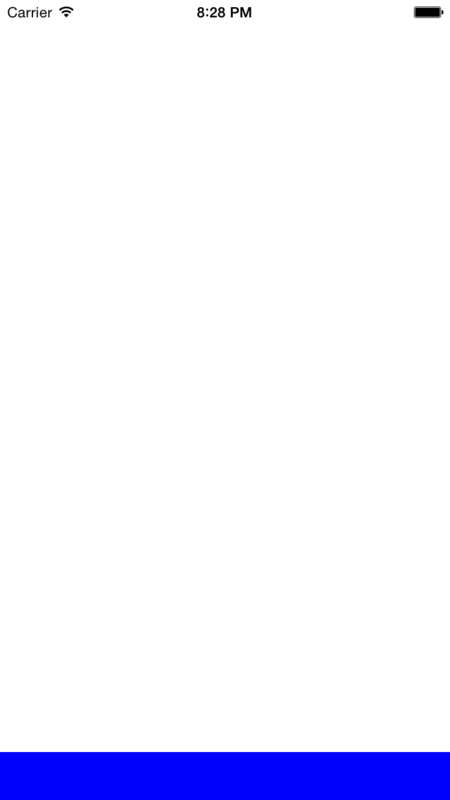
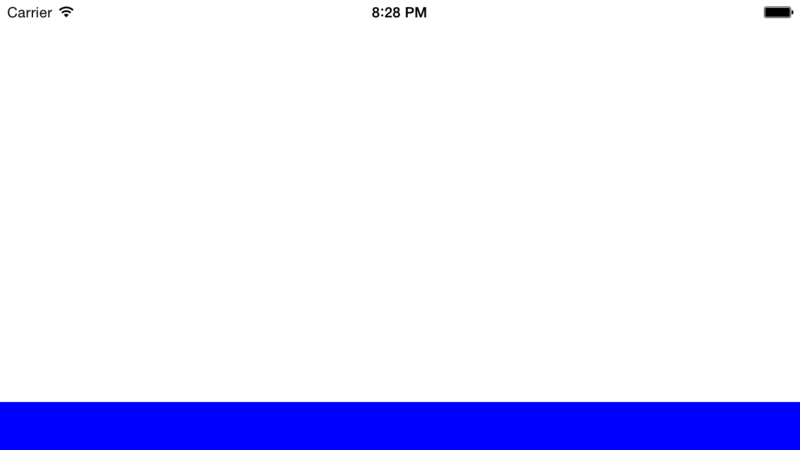
2.self.viewのbottom部分に幅=端末幅,高さ40の青いView配置
    UIView *blueView = [[UIView alloc] init];
    blueView.backgroundColor = [UIColor blueColor];
    blueView.translatesAutoresizingMaskIntoConstraints = NO;
    [self.view addSubview:blueView];
    NSLayoutConstraint *blueLeftConstraint = [NSLayoutConstraint constraintWithItem:blueView
                                                                             attribute:NSLayoutAttributeLeft
                                                                             relatedBy:NSLayoutRelationEqual
                                                                                toItem:self.view
                                                                             attribute:NSLayoutAttributeLeft
                                                                            multiplier:1
                                                                              constant:0];
    NSLayoutConstraint *blueRightConstraint = [NSLayoutConstraint constraintWithItem:blueView
                                                                              attribute:NSLayoutAttributeRight
                                                                              relatedBy:NSLayoutRelationEqual
                                                                                 toItem:self.view
                                                                              attribute:NSLayoutAttributeRight
                                                                             multiplier:1
                                                                               constant:0];
    NSLayoutConstraint *blueHeightConstraint = [NSLayoutConstraint constraintWithItem:blueView
                                                                            attribute:NSLayoutAttributeHeight
                                                                            relatedBy:NSLayoutRelationEqual
                                                                               toItem:nil
                                                                            attribute:NSLayoutAttributeNotAnAttribute
                                                                           multiplier:1
                                                                             constant:40];
    NSLayoutConstraint *blueTopConstraint = [NSLayoutConstraint constraintWithItem:blueView
                                                                        attribute:NSLayoutAttributeTop
                                                                        relatedBy:NSLayoutRelationEqual
                                                                           toItem:self.view
                                                                        attribute:NSLayoutAttributeBottom
                                                                        multiplier:1
                                                                          constant:-blueHeightConstraint.constant];
    [self.view addConstraints:@[blueLeftConstraint, blueRightConstraint, blueTopConstraint, blueHeightConstraint]];
3.self.viewのcenter座標に幅=self.view.frame.width/2 高さ=self.view.frame.height/2 の黄色Viewを配置
    UIView *yellowView = [[UIView alloc] init];
    yellowView.backgroundColor = [UIColor yellowColor];
    yellowView.translatesAutoresizingMaskIntoConstraints = NO;
    [self.view addSubview:yellowView];
    NSLayoutConstraint *yellowCenterXConstraint = [NSLayoutConstraint constraintWithItem:yellowView
                                                                            attribute:NSLayoutAttributeCenterX
                                                                            relatedBy:NSLayoutRelationEqual
                                                                               toItem:self.view
                                                                            attribute:NSLayoutAttributeCenterX
                                                                              multiplier:1
                                                                                constant:0];
    NSLayoutConstraint *yellowCenterYConstraint = [NSLayoutConstraint constraintWithItem:yellowView
                                                                               attribute:NSLayoutAttributeCenterY
                                                                               relatedBy:NSLayoutRelationEqual
                                                                                  toItem:self.view
                                                                               attribute:NSLayoutAttributeCenterY
                                                                              multiplier:1
                                                                                constant:0];
    NSLayoutConstraint *yellowWidthConstraint = [NSLayoutConstraint constraintWithItem:yellowView
                                                                             attribute:NSLayoutAttributeWidth
                                                                             relatedBy:NSLayoutRelationEqual
                                                                                toItem:self.view
                                                                             attribute:NSLayoutAttributeWidth
                                                                            multiplier:.5
                                                                              constant:0];
    NSLayoutConstraint *yellowHeightConstraint = [NSLayoutConstraint constraintWithItem:yellowView
                                                                              attribute:NSLayoutAttributeHeight
                                                                              relatedBy:NSLayoutRelationEqual
                                                                                 toItem:self.view
                                                                              attribute:NSLayoutAttributeHeight
                                                                             multiplier:.5
                                                                               constant:0];
    [self.view addConstraints:@[yellowCenterXConstraint, yellowCenterYConstraint, yellowWidthConstraint, yellowHeightConstraint]];


共通する部分としてViewのtranslatesAutoresizingMaskIntoConstraintsプロパティは必ずNOにすること。
これをしないとAutolayoutが適用されない。
Viewを作成する際にinitWithFrame:で幅と高さを指定しても意味はないのでNSLayoutConstraintのメソッドで幅と高さの制約を作る必要がある。
組み合わせや使い方によっては柔軟なものができそうであるが、それにしてもNSLayoutConstraintはマゾい
なので今度Masonryを試してみようと思う。
